Clean & Simple Interface
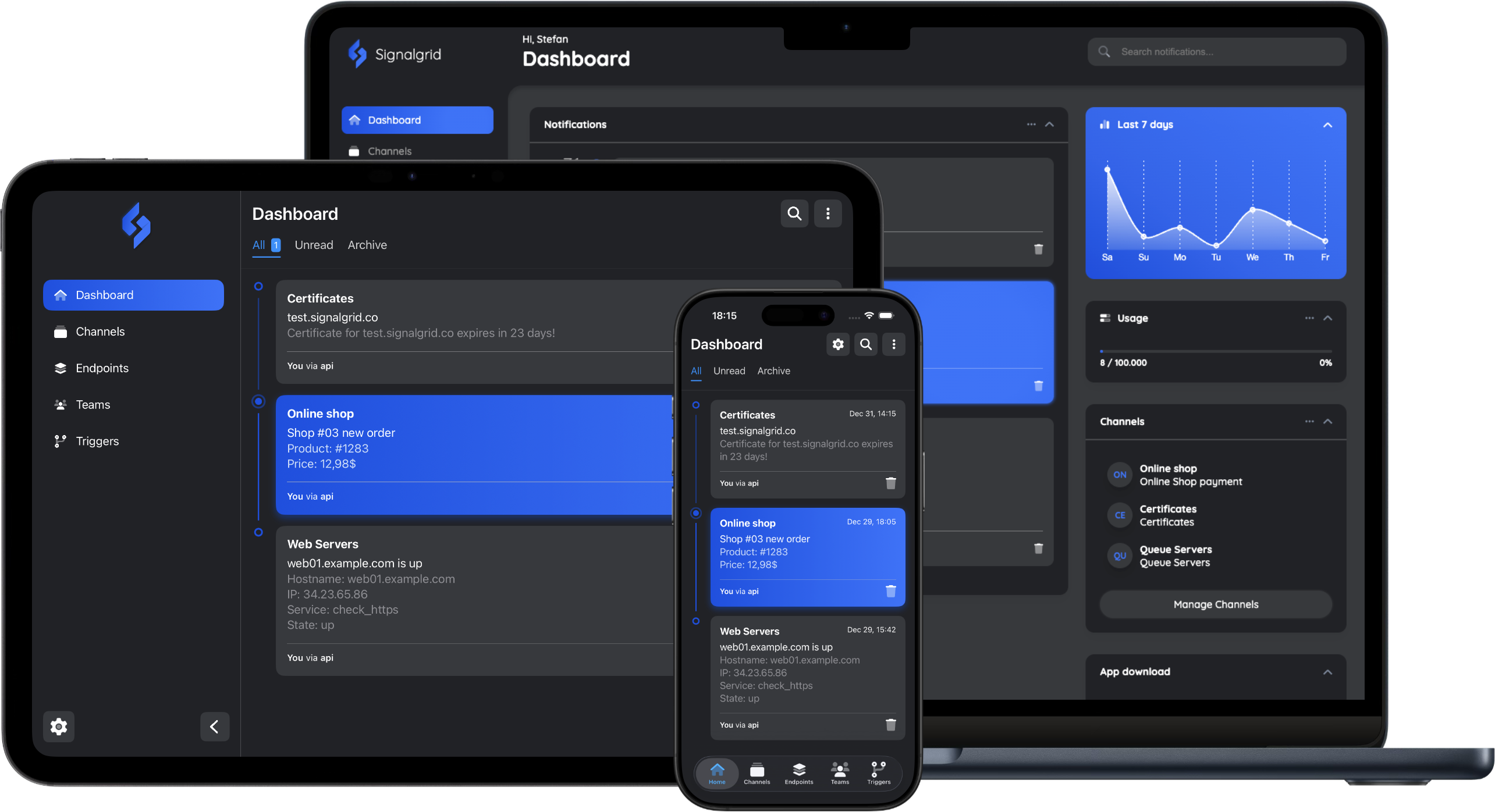
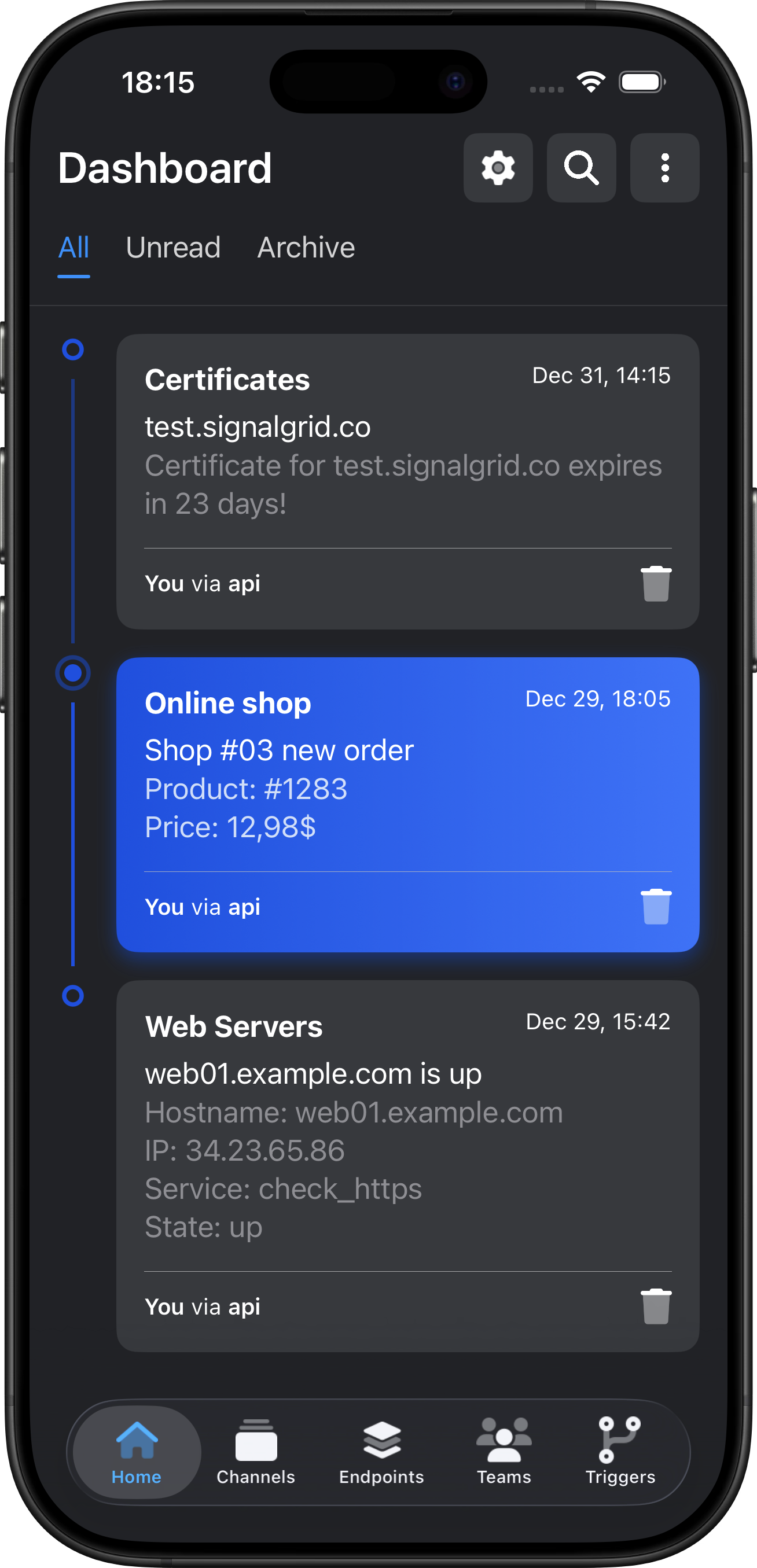
With a clean and intuitive interface, Signalgrid helps you find what you need quickly, understand your setup at a glance, and stay focused on the alerts that matter instead of getting lost in noise.
A simple API so you can start sending notifications in minutes.
It fits right into your favorite programming languages.
use std::collections::HashMap; #[tokio::main] async fn main() -> Result<(), Box<dyn std::error::Error>> { let mut params = HashMap::new(); params.insert("client_key", "[your-client-key]"); params.insert("channel", "[channel-token]"); params.insert("type", "info"); params.insert("title", "This is the title"); params.insert("body", "This is the body"); let data: serde_json::Value = reqwest::Client::new() .post("https://api.signalgrid.co/v1/push") .form(¶ms) .send() .await? .json() .await?; Ok(()) }
require 'net/http'
require 'uri'
require 'json'

uri = URI.parse("https://api.signalgrid.co/v1/push")

payload = {
   "client_key" => "[your-client-key]",
   "channel" => "[channel-token]",
   "type" => "info",
   "title" => "This is the title",
   "body" => "This is the body"
}
response = Net::HTTP.post_form(uri, payload)
data = JSON.parse(response.body)
use HTTP::Tiny;

my $response = HTTP::Tiny->new->post_form('https://api.signalgrid.co/v1/push', {
   client_key => '[your-client-key]',
   channel => '[channel-token]',
   type => 'info',
   title => 'This is the title',
   body => 'This is the body',
});

my $result = $response->{content};
use Illuminate\Support\Facades\Http;

$response = Http::asForm()->post('https://api.signalgrid.co/v1/push', [
   'client_key' => '[your-client-key]',
   'channel' => '[channel-token]',
   'type' => 'info',
   'title' => 'This is the title',
   'body' => 'This is the body',
]);

$result = $response->body();
import requests

url = 'https://api.signalgrid.co/v1/push'
payload = {
   'client_key': '[your-client-key]',
   'channel': '[channel-token]',
   'type': 'info',
   'title': 'This is the title',
   'body': 'This is the body'
}

response = requests.post(url, data=payload)
result = response.text
use Cake\Http\Client;

$http = new Client();

$response = $http->post('https://api.signalgrid.co/v1/push', [
   'client_key' => '[your-client-key]',
   'channel' => '[channel-token]',
   'type' => 'info',
   'title' => 'This is the title',
   'body' => 'This is the body',
]);

$result = $response->getStringBody();
// INSTALL
// curl -fsSL https://signalgrid.co/install.sh | bash

signalgrid send \
 -c [channel-token] \
 -s info \
 -t "This is the title" \
 -b "This is the body"
// INSTALL
// composer require signalgridco/signalgrid-php

require DIR . '/vendor/autoload.php';

use Signalgrid\Client;
use Signalgrid\Exception;

try {
   $client = new Signalgrid\Client('[your-client-key]');

   $response = $client->send([
      'channel' => '[channel-token]',
      'type' => 'info',
      'title' => 'This is the title',
      'body' => 'This is the body',
   ]);

}catch (Exception $e) {
   echo $e->getMessage();
}
const formData = new FormData();
formData.append('client_key', '[your-client-key]');
formData.append('channel', '[channel-token]');
formData.append('type', 'INFO');
formData.append('title', 'This is the title');
formData.append('body', 'This is the body');

fetch('https://api.signalgrid.co/v1/push', {
   method: 'POST',
   body: formData
})
.then(response => response.json())
.then(data => console.log('Success:', data))
.catch(error => console.error('Error:', error));
import Signalgrid from '@signalgrid/signalgrid-push';

const sg = new Signalgrid('[your-client-key]');

const result = await sg.send({
   channel: '[channel-token]',
   title: 'This is the title',
   body: 'This is the body',
   type: 'info',
});

console.log(result);
package main

import "github.com/signalgridco/signalgrid-go"

func main() {
   c, _ := signalgrid.NewClient("[your-client-key]")
   c.Send(signalgrid.Message{
      Channel: "[channel-token]",
      Type: "info",
      Title: "This is the title",
      Body: "This is the body",
   })
}
curl -s \
   --form-string "client_key=[your-client-key]" \
   --form-string "channel=[channel-token]" \
   --form-string "type=INFO" \
   --form-string "title=This is the title" \
   --form-string "body=This is the body" \
https://api.signalgrid.co/v1/push
Signalgrid provides all the tools you need to stay in the loop
With a clean and intuitive interface, Signalgrid helps you find what you need quickly, understand your setup at a glance, and stay focused on the alerts that matter instead of getting lost in noise.
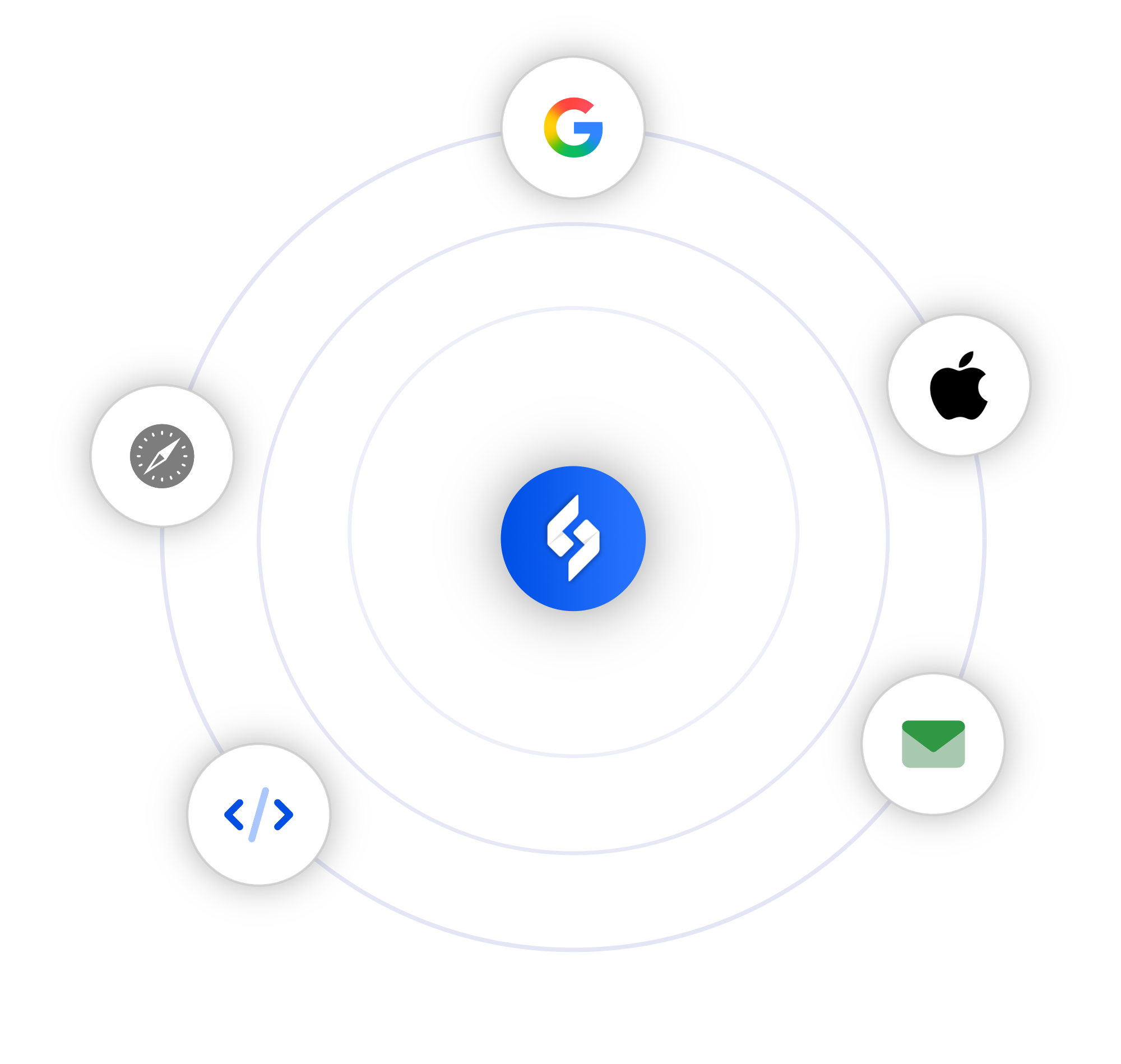
Deliver alerts to Apple and Google devices, browsers, email, and your own API's.
Signalgrid lets you set severity levels and channels to keep your alerts organized, readable, and actually useful. Because once everything looks urgent, people stop caring.
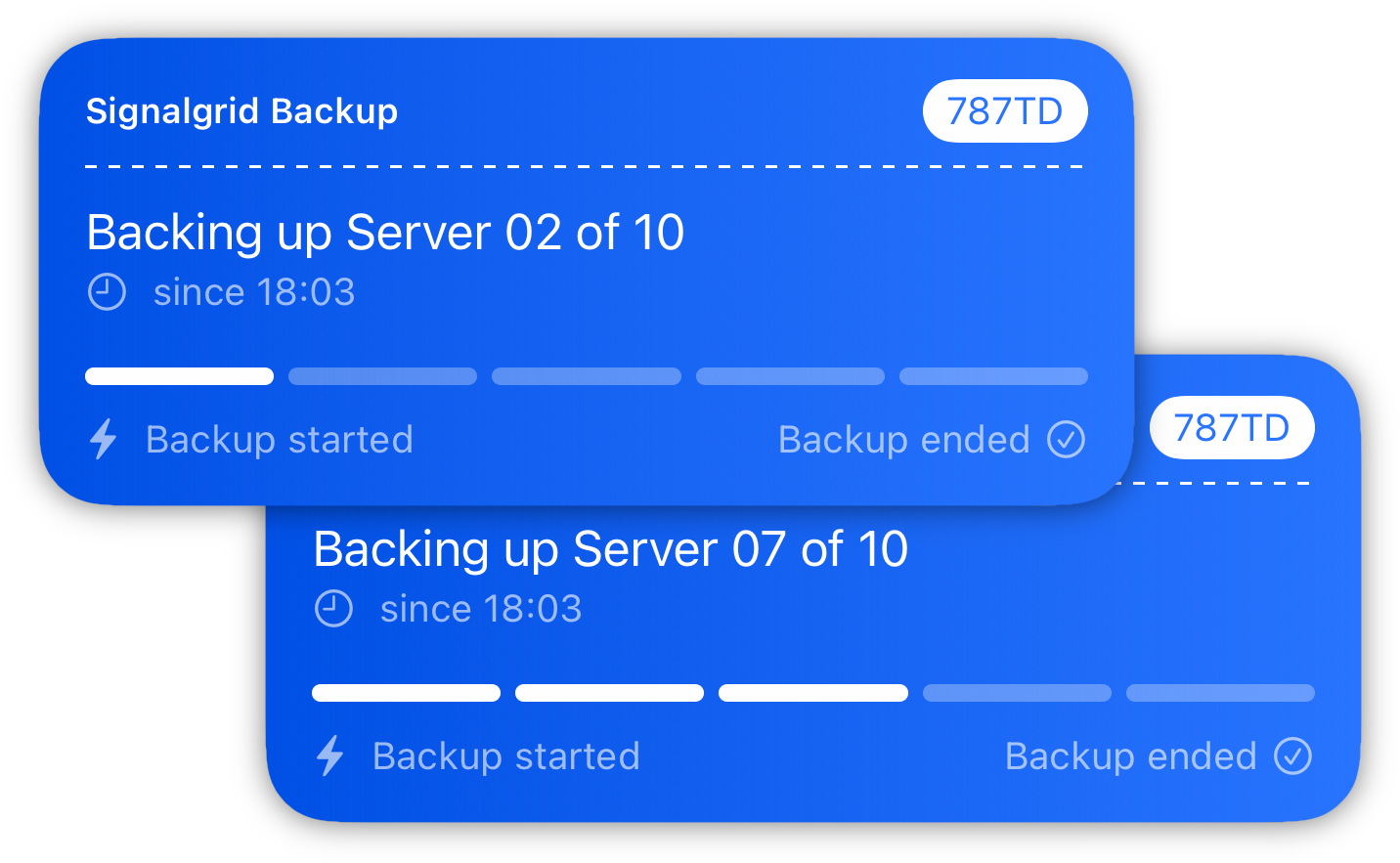
Using Apple Live Activities, and Android Ongoing Notifications - Signalgrid lets you create live, persistent updates for workflows that stay active over time - from deployments and backups to imports and long-running jobs.
Manage channels, send notifications, review activity, and keep an eye on what is happening from a clean web dashboard built to stay clear and easy to use.
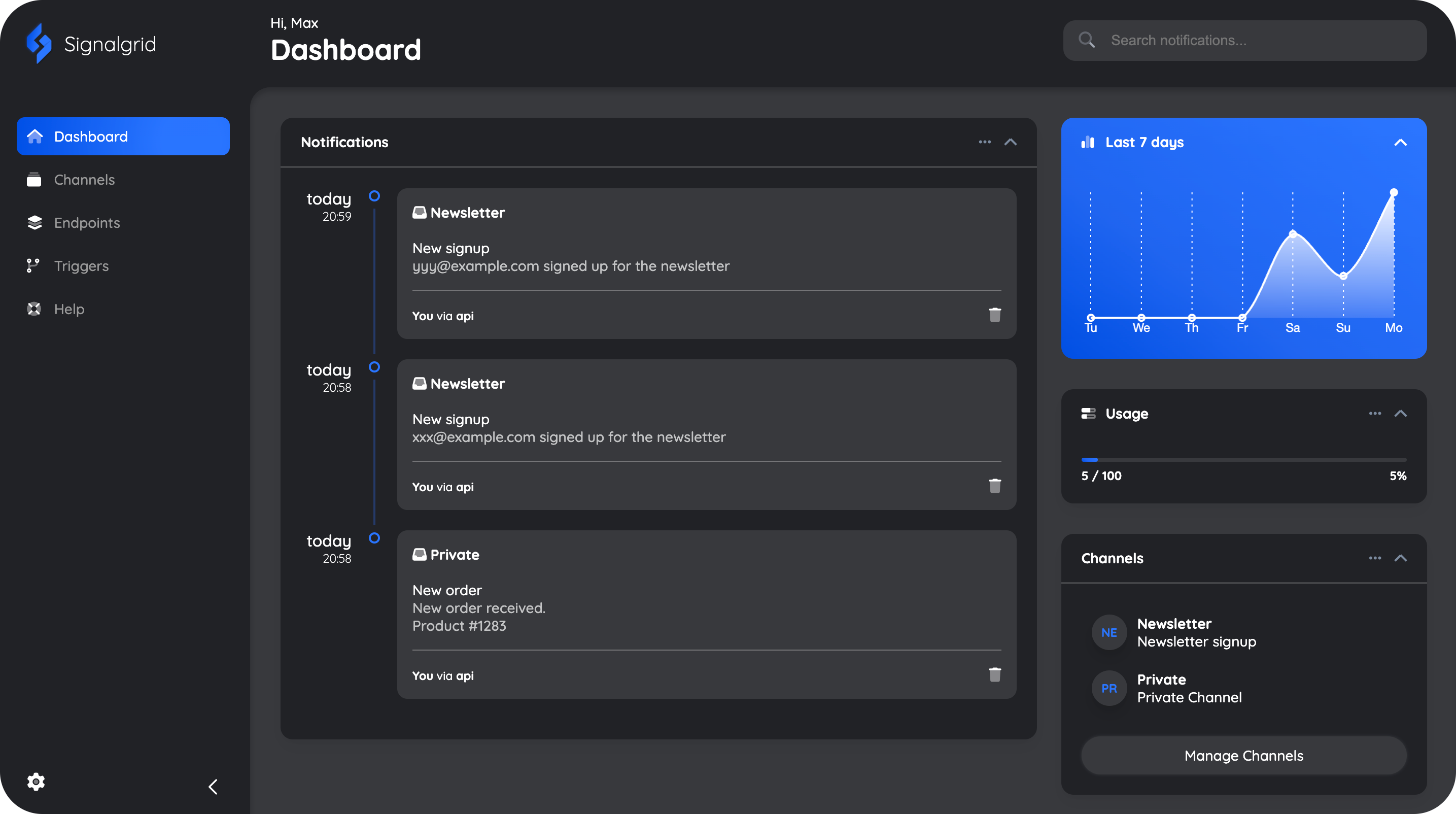
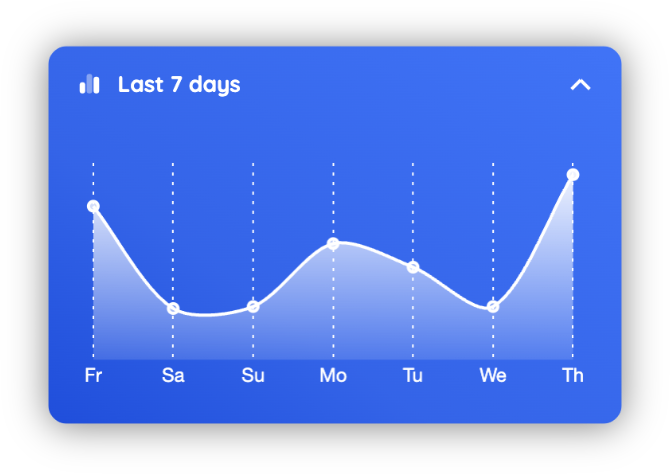
Understand activity, volume, and changes at a glance with a cleaner view of your data.
 Checkmate
One subscription. All platforms.
Free plan with essential features and reliable delivery to get you started
For individual users who need fast, reliable notifications across all their devices
For organizations needing synchronized notifications and centralized management
* With paid subscriptions we do not limit the number of notifications you can send.
We do however enforce rate-limits to prevent abuse and make sure our service stays healthy and usable for everybody.
For more information about rate-limits visit our Documentation
Everything you need to know about our service and policies.
Can't find the answer you're looking for? Reach out!

Send push notifications to iOS, Android, and browsers without building the whole stack
 Signalgrid®
We specialize in state-of-the-art custom alerting
Signalgrid®
We specialize in state-of-the-art custom alerting