 Signalgrid
When it's really important.
Simple, reliable and secure push notifications API


Why Signalgrid?
Three reasons to upgrade your notification workflow.
Unified Licensing:
One subscription - all devices
Forget buying separate licenses for iOS, Android, and Desktop. Your subscription follows you, not your hardware. Log in on any device and it just works—no "per-platform" upselling, ever.
Modern Design:
Built for this decade
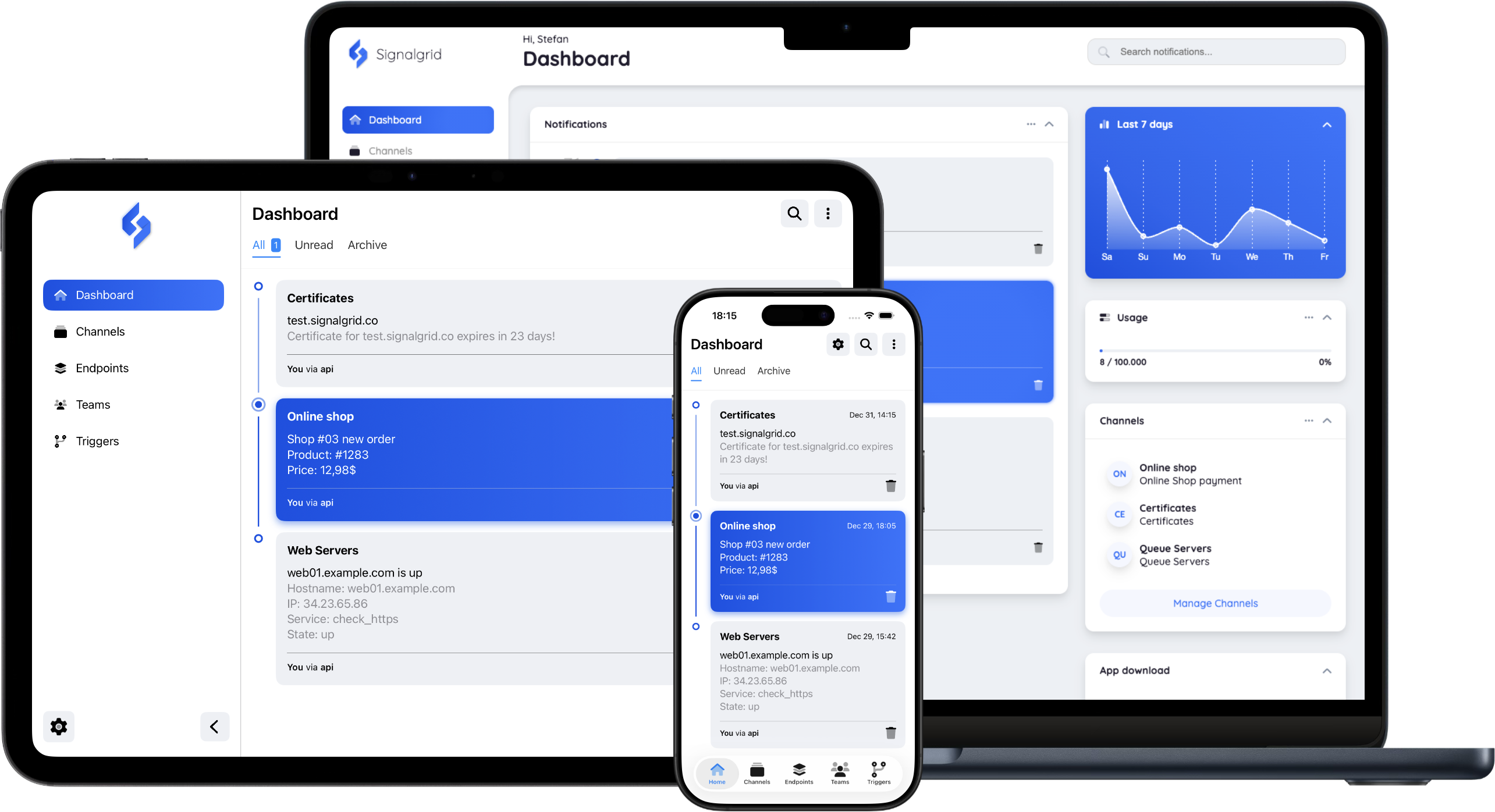
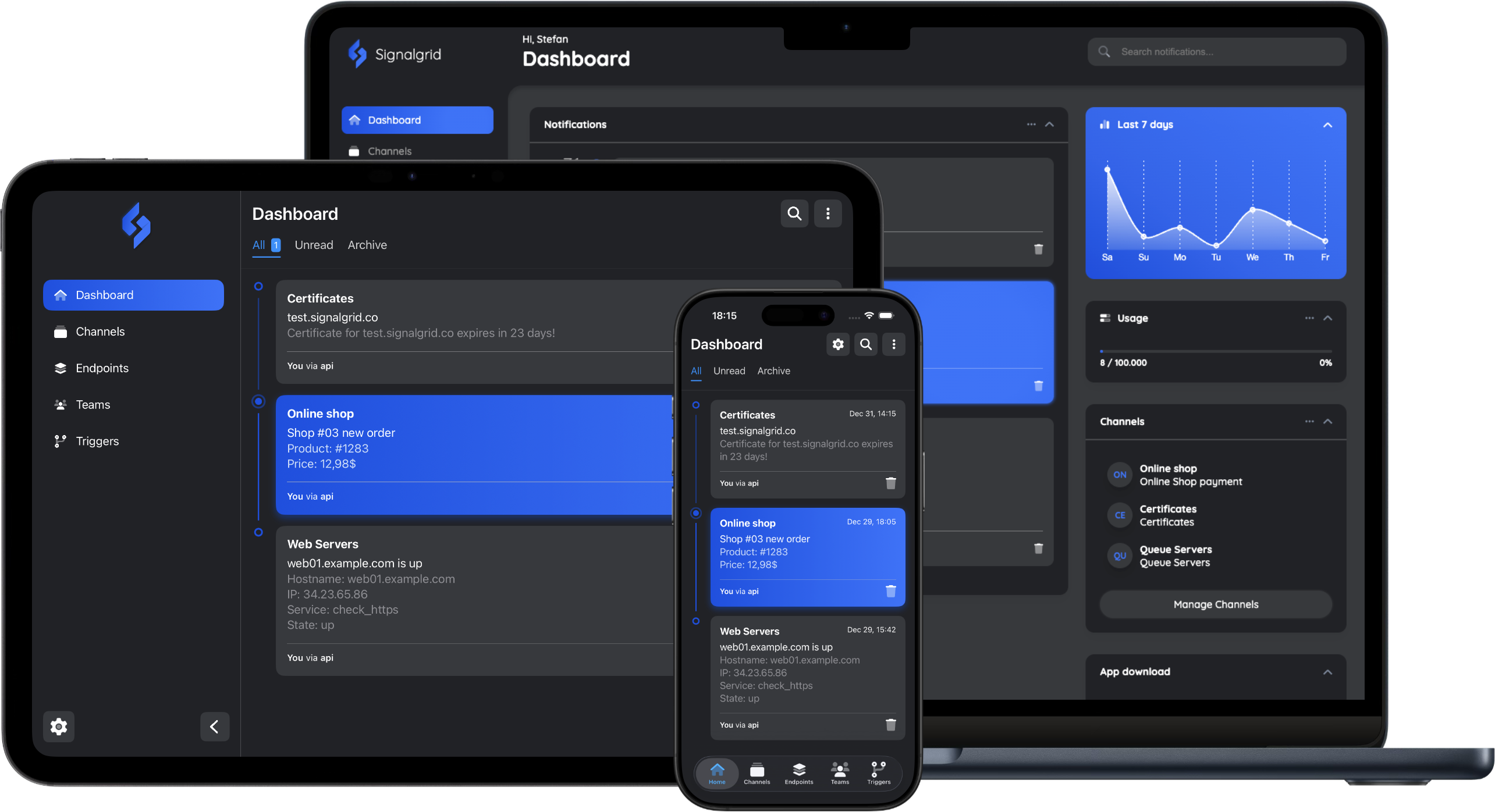
Enjoy a clean, intuitive interface designed for today’s screens. Signalgrid prioritizes clarity and aesthetics, offering a polished UI and native Dark Mode that feels right at home on modern operating systems.
Instant Integration:
Zero friction
If you can send a POST request, you can use Signalgrid. No bulky SDKs or complex configurations. Just a simple, clean REST API that gets your alerts from your server to your screen instantly.
A look inside
Beautifully simple, remarkably powerful
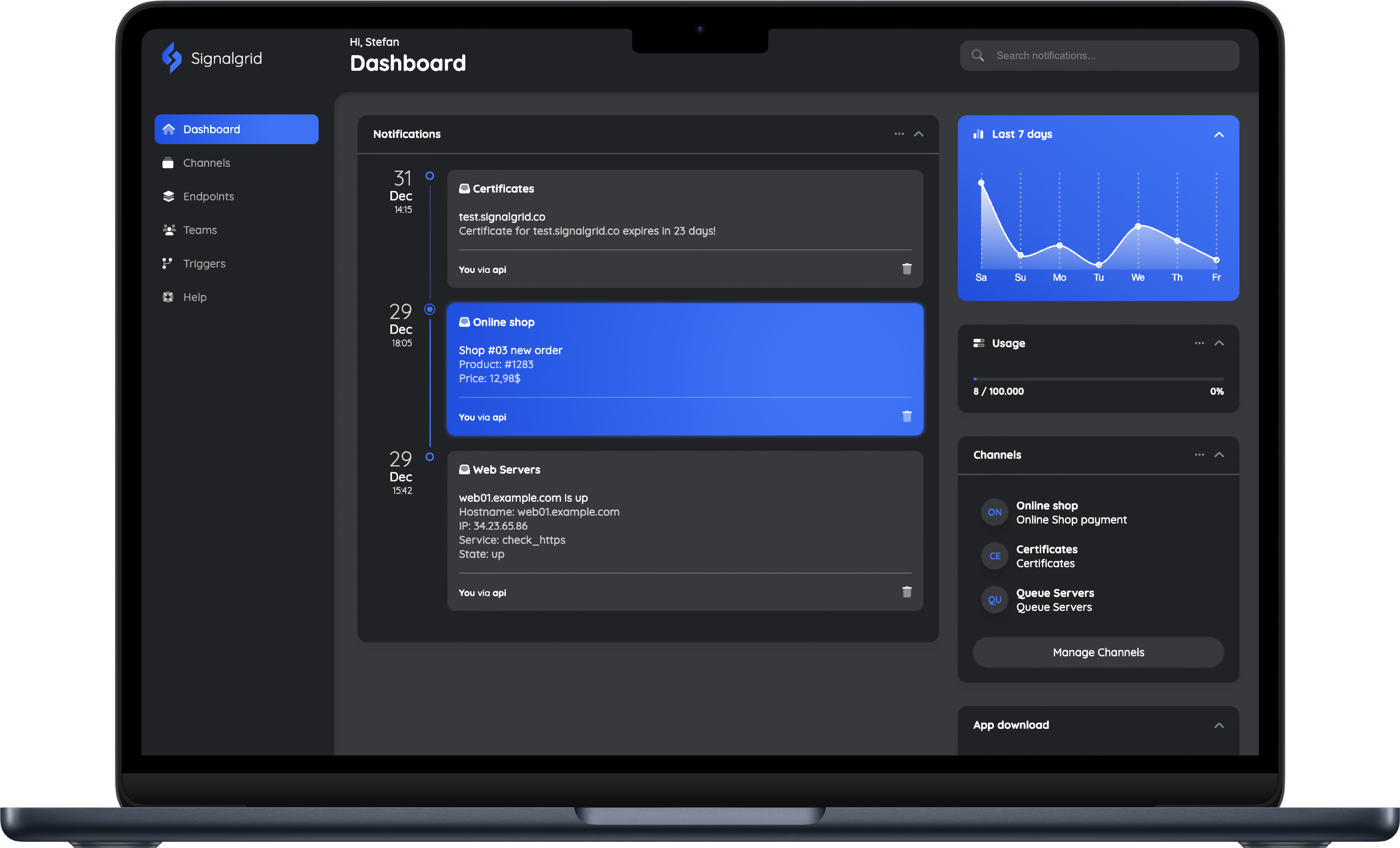
Built for Modern Workflows
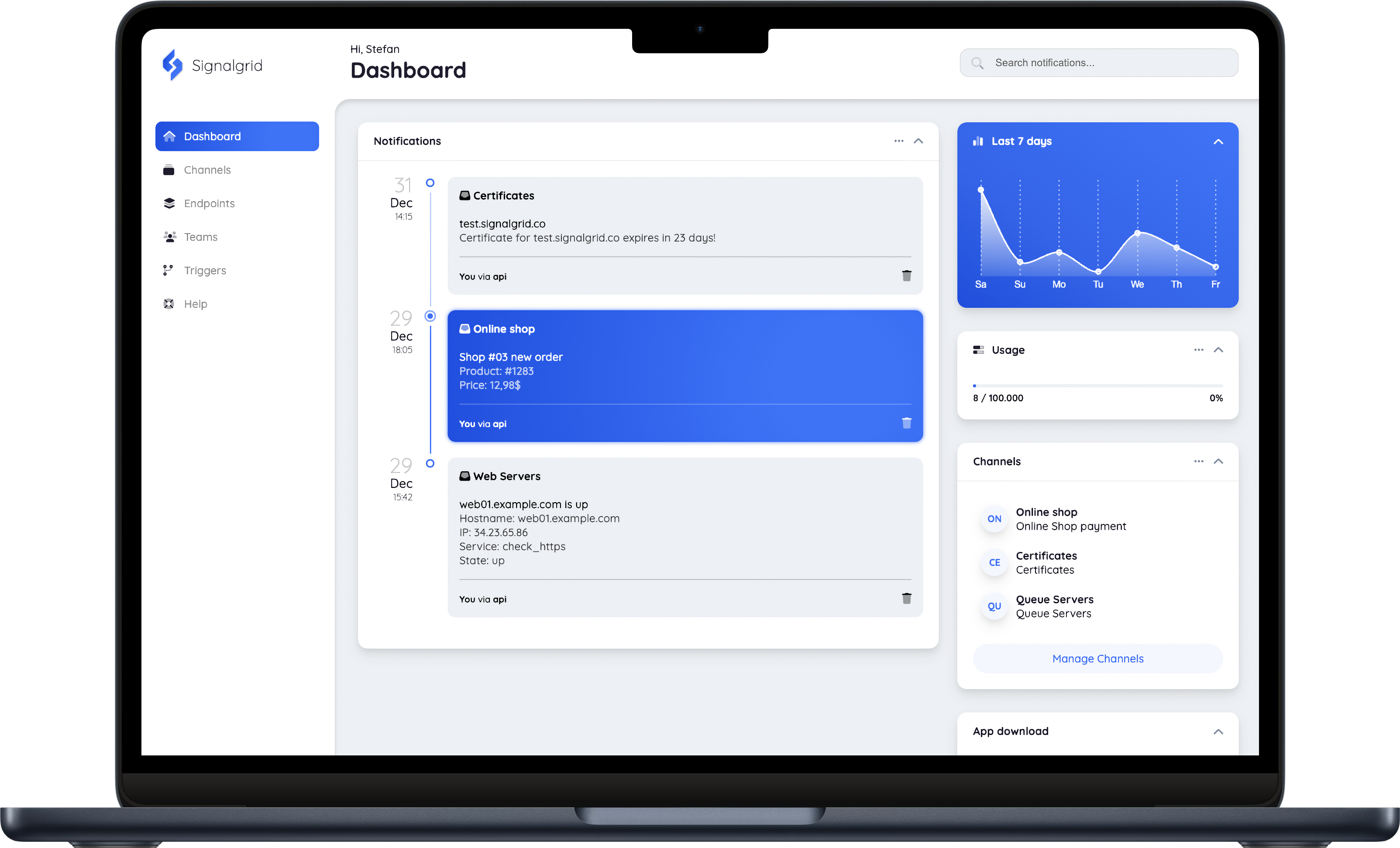
Experience a clean, performance-oriented dashboard designed for clarity. Signalgrid provides a centralized workspace where you can manage API keys, monitor delivery logs, and configure settings through an intuitive, responsive interface that feels native on any desktop browser.
Read moreInstant Access to Your History
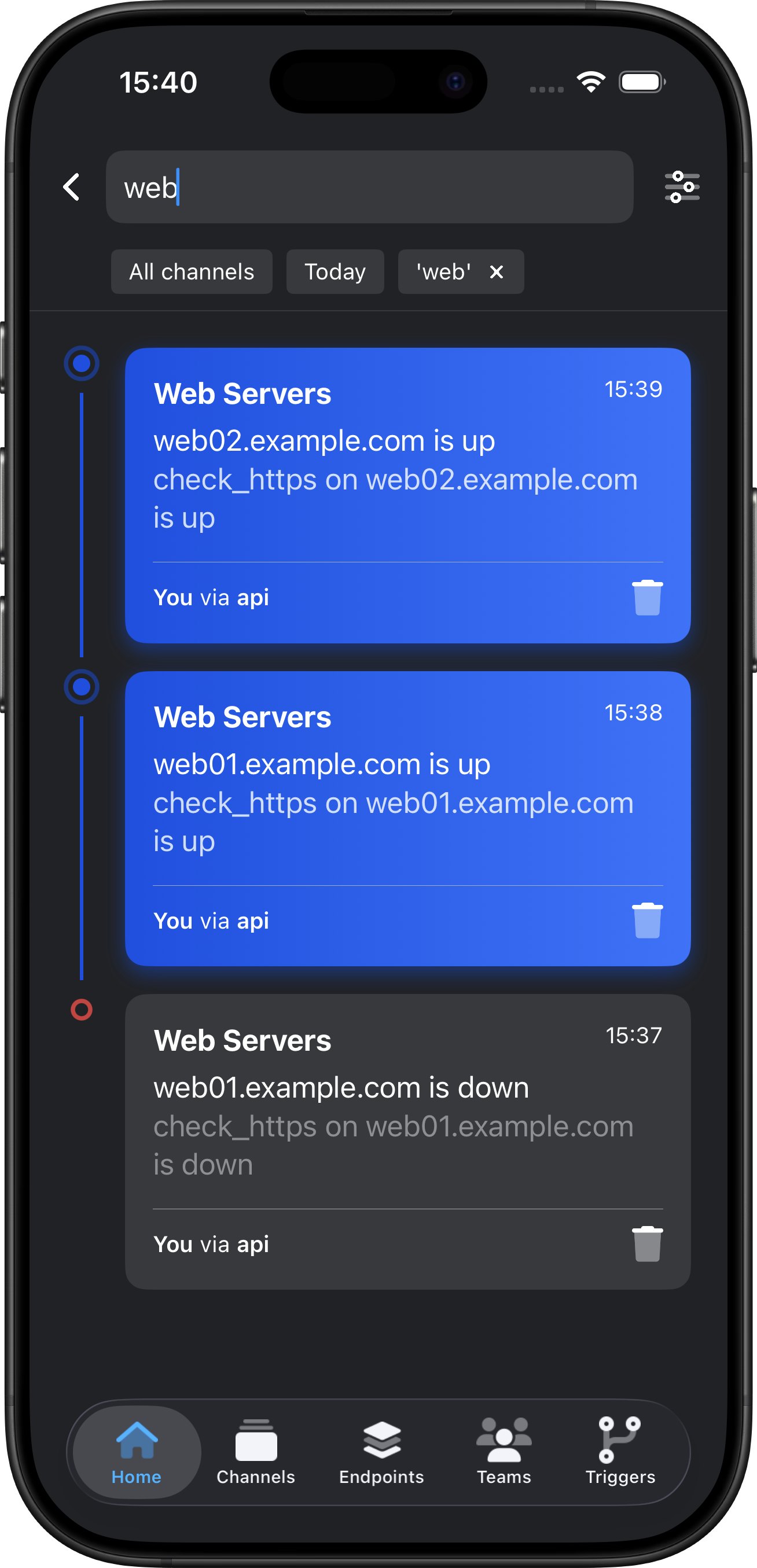
Quickly locate any past alert with our powerful global search. Whether you need to verify a system log from last week or filter alerts by a specific project, our mobile-optimized search engine delivers results in milliseconds, keeping your entire history accessible from anywhere.
Read more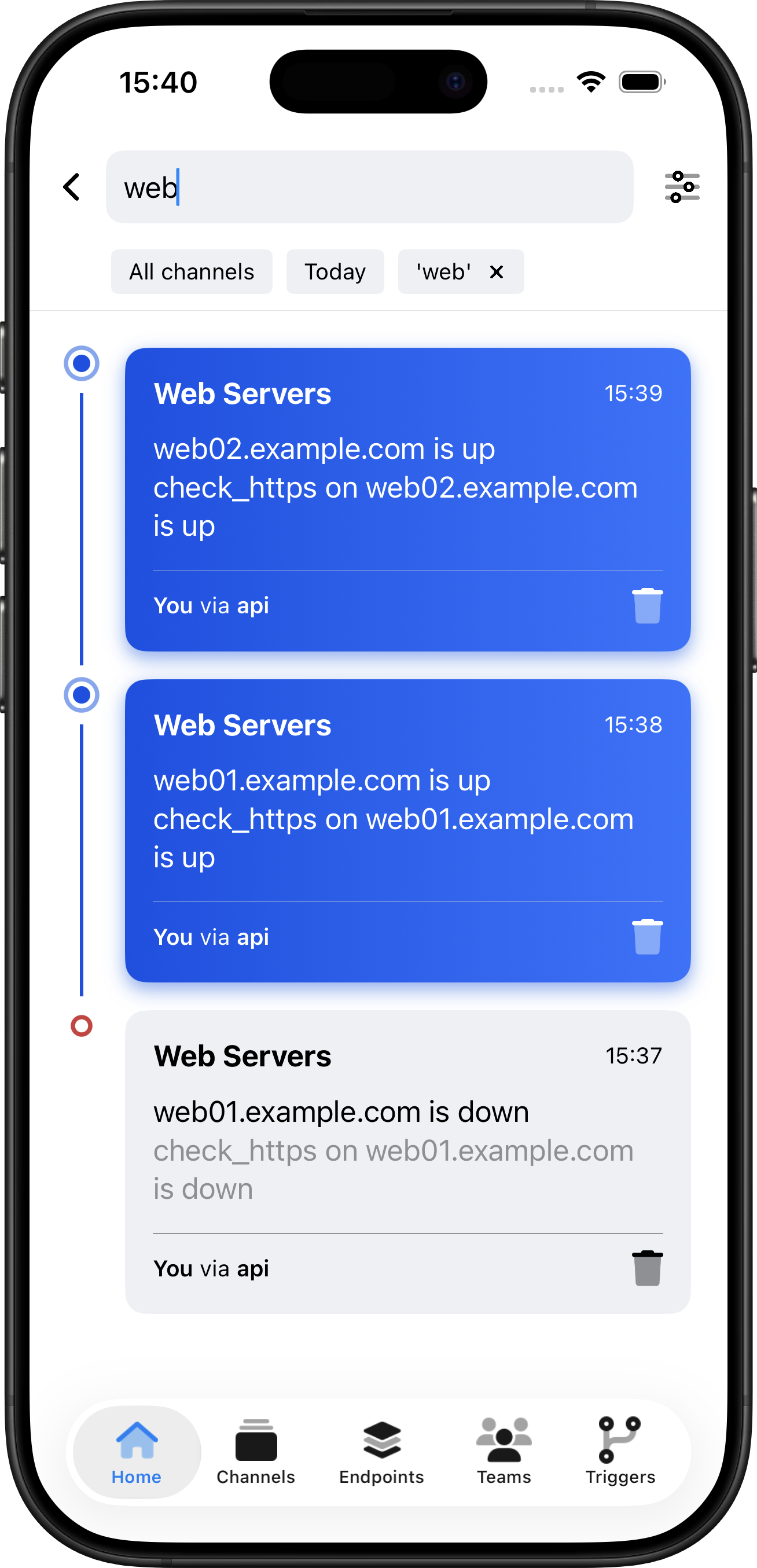
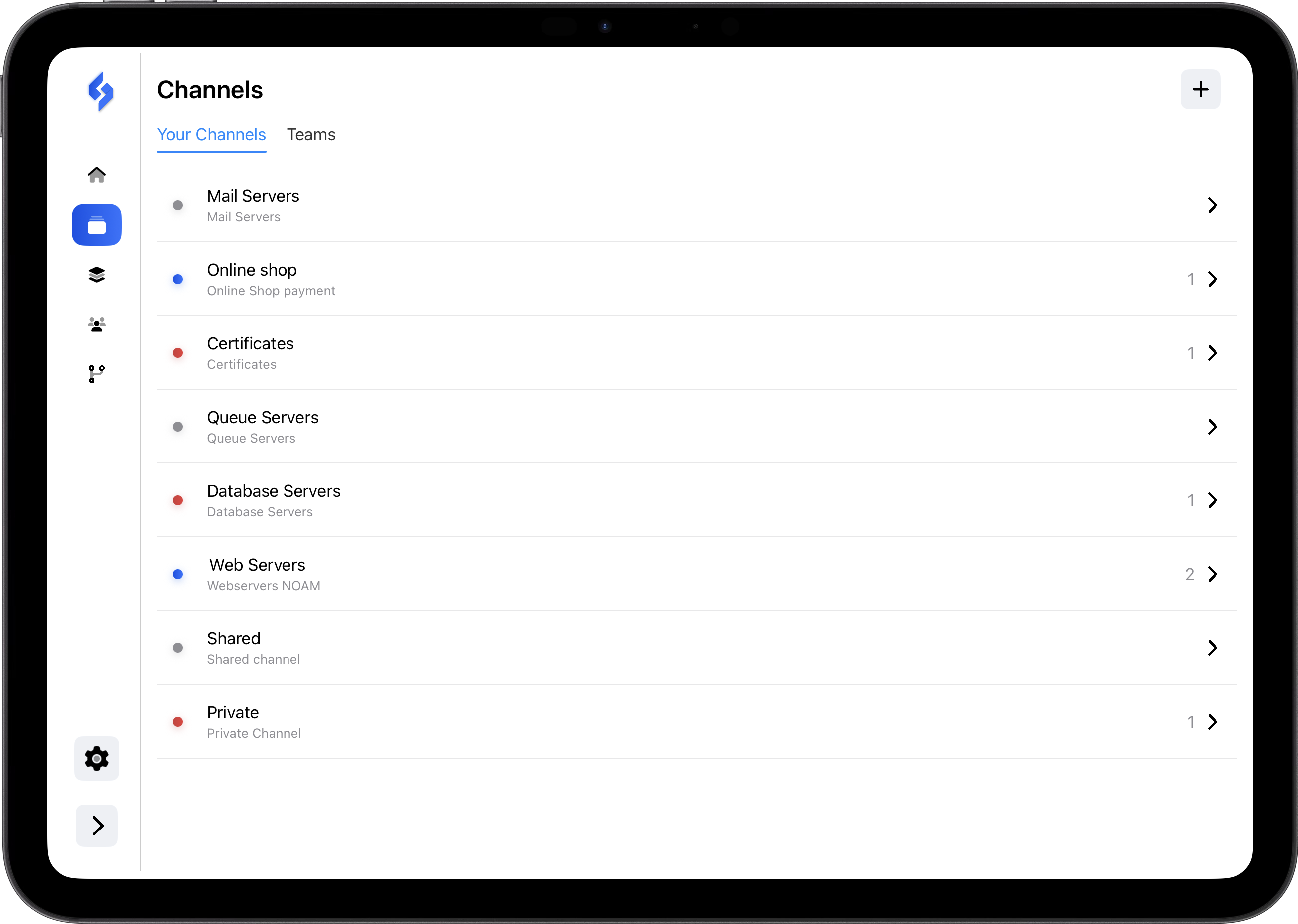
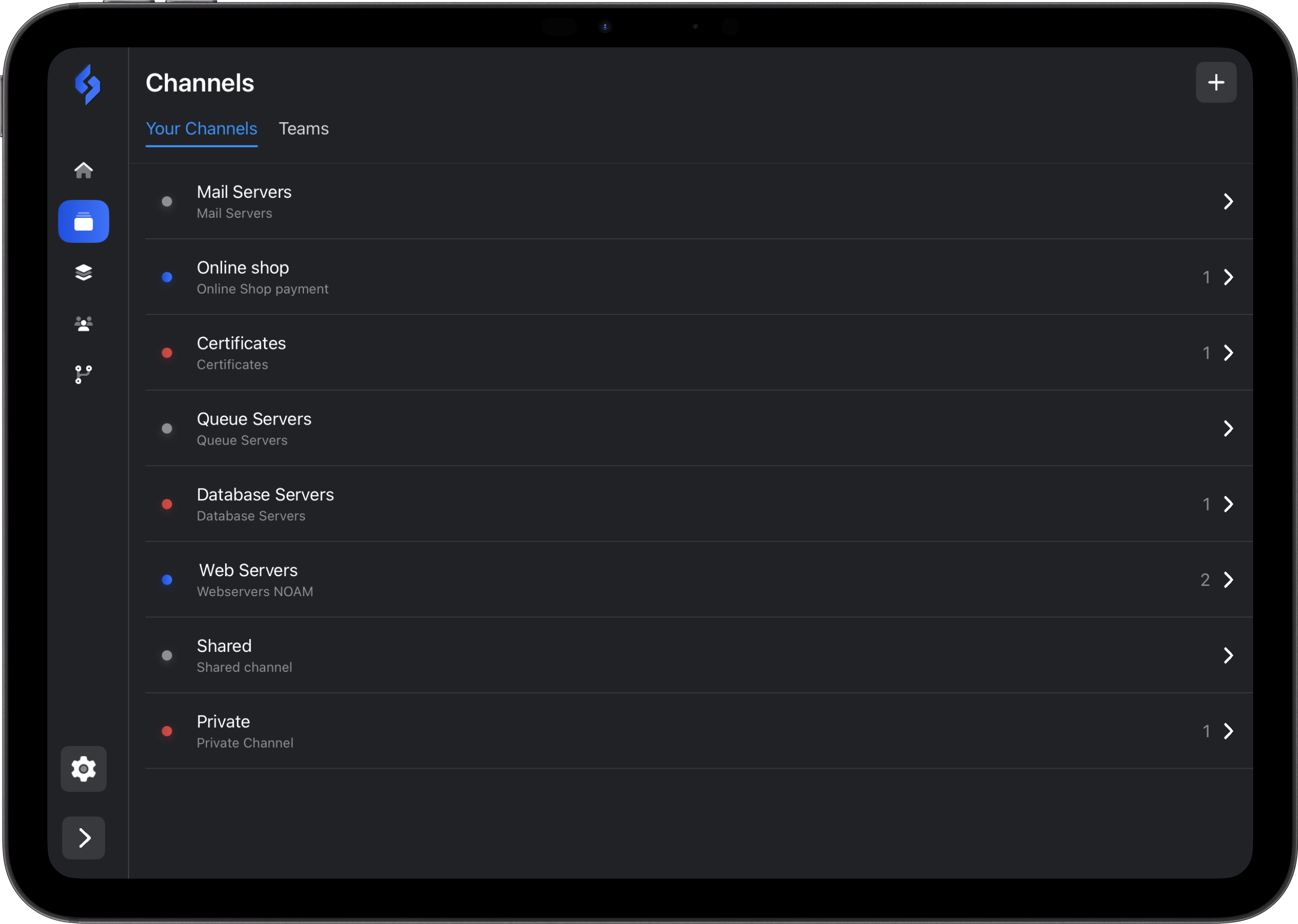
Intuitive Workspace Organization
Keep your alerts organized and your focus sharp. SignalGrid allows you to categorize notifications into dedicated channels—from server health to team updates. The tablet-optimized overview provides a bird’s-eye view of your activity, making it easy to adjust settings or oversee your team’s notification flow at a glance.
Read moreUsage
Basic usage and official Client Libraries
for Popular Languages
Bash
This example uses cURL for direct Signalgrid API access. It is a lightweight, dependency-free solution for any shell environment.
curl -s \
  --form-string "client_key=[YOUR_CLIENT_KEY]" \
  --form-string "channel=[CHANNEL_TOKEN]" \
  --form-string "type=INFO" \
  --form-string "title=My First Notification" \
  --form-string "body=Notification Body" \
  https://api.signalgrid.co/v1/push
Python
This example uses the official Signalgrid Python client, designed for reliability and ease of use. The library is fully tested, open-source, and distributed via GitHub for seamless integration.
> Documentation
from signalgrid.client import Client

client = Client("YOUR_CLIENT_KEY")

response = client.send({
    "channel": "CHANNEL_TOKEN",
    "type": "info",
    "title": "Hello from Python",
    "body": "This message was sent from a test project.",
    "critical": False
})

print(response)
PHP
This example uses the official Signalgrid PHP client, designed for reliability and ease of use. The library is fully tested, open-source, and distributed via GitHub and Packagist for seamless Composer integration.
> Documentation
<?php

require __DIR__ . '/vendor/autoload.php';

use Signalgrid\Client;
use Signalgrid\Exception;

try {
    $client = new Client('YOUR_CLIENT_KEY');

    $response = $client->send([
        'channel'  => 'CHANNEL_TOKEN',
        'type'     => 'info',
        'title'    => 'Hello from PHP',
        'body'     => 'This is a test.',
        'critical' => false
    ]);

    print_r($response);

} catch (Exception $e) {
    echo $e->getMessage();
}
Go
This example uses the official Signalgrid Go client, designed for reliability and ease of use. The library is fully tested, open-source, and distributed via GitHub for seamless integration.
> Documentation
package main
import (
	"fmt"
	"log"

	"github.com/signalgridco/signalgrid-go"
)

func main() {
	client, err := signalgrid.NewClient("YOUR_CLIENT_KEY")
	if err != nil {
		log.Fatal(err)
	}
	resp, err := client.Send(signalgrid.Message{
		Channel:  "CHANNEL_TOKEN",
		Type:     "info",
		Title:    "Hello from Go",
		Body:     "Sent from a Go app.",
		Critical: false,
	})
	if err != nil {
		log.Fatal(err)
	}
	fmt.Println(resp)
}
Pricing
One subscription. All platforms.
No need to pay for each platform seperately
Free license
Free plan with essential features and reliable delivery to get you started
- 100 Notifications per month
- 3 Devices / Endpoints
- Unlimited Channels
- Web, iOs, Android
- App badge-sync
- High Priority Queue
- Critical notifications
- Members
Free
This is a free version, no payment required.
Notifications will be reset on the first of each month. Get started
Single license
For individual users who need fast, reliable notifications across all their devices
- 10.000 Notifications per month
- 10 Devices / Endpoints
- Unlimited Channels
- Web, iOs, Android
- App badge-sync
- High Priority Queue
- Critical notifications
- Members
/mo
Plan auto-renews for /month until canceled.
Notifications will be reset on the first of each month. Get started
Teams license
For organizations needing synchronized notifications and centralized management
- 100.000 Notifications per month
- 20 Devices / Endpoints
- Unlimited Channels
- Web, iOs, Android
- App badge-sync
- High Priority Queue
- Critical notifications
- Up to 10 Members
/mo
Plan auto-renews for /month until canceled.
Notifications will be reset on the first of each month. Get started
If these plans don’t quite fit what you need, reach out — we'll come up something that does. > Contact
Frequently asked questions
These are the most commonly asked questions
we hope you'll find what you're looking for
We also offer a full-featured web dashboard for managing your alerts from any browser.
As the owner, you handle the billing; your team members do not need their own subscriptions to receive alerts or use the app.
This is ideal for freelancers or consultants who manage alerts for different clients or projects.